Download TikTok Videos Without Watermark
Download TikTok videos without watermark by pasting the link below. You get the clean MP4, minus the bouncing logo and the username stamped across the clip.
- Free
- No Watermark
- HD when available
- No Signup
How to Download TikTok Videos Without Watermark
To download a TikTok video without the watermark, copy its link, paste it into TokSavo and choose Best quality. Same three steps on every phone and computer.
Copy the TikTok link
Open the video in TikTok, tap Share, then Copy link. Don't use Save video, that's the one with the watermark.
Paste it into TokSavo
Tap Paste in the box above. The Video tab is already selected.
Save the clean MP4
Tap Download, then Best quality. The file has no logo and no username on it.
What Is the TikTok Watermark?
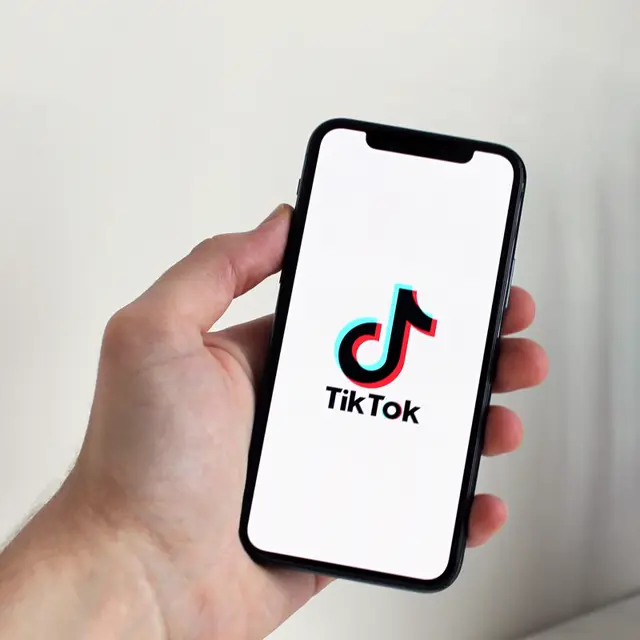
The TikTok watermark is the small TikTok logo and the creator's @username that appear on a video when you save it with TikTok's own button. It jumps between corners during the clip, which makes it hard to crop out.
TikTok adds it on purpose. It credits the creator and advertises the app wherever the video ends up, which is fair enough. It just gets in the way when you want to watch a clip on a bigger screen, keep a recipe for later, or edit a video of your own that you no longer have the original of.
TokSavo fetches the version TikTok plays inside the app, and that version has no watermark. So there's nothing to remove and nothing to paint over. If you share the video, please still credit the creator. Taking the logo off doesn't take their rights away.
Only need the sound? Use TikTok to MP3. Want the main tool? Go to TikTok Video Download.
Frequently Asked Questions
In TikTok tap Share, then Copy link. Open Safari, go to toksavo.online, paste the link and tap Download. Then tap the download arrow in Safari, open the video and choose Share › Save Video to put it in Photos.
In TikTok tap Share, then Copy link. Open Chrome, go to toksavo.online, tap Paste, then Download. The MP4 saves to your Downloads folder and appears in Gallery or Google Photos right away.
No. We don't crop, blur or re-encode anything to hide a logo, because the file we fetch never had one. You get the same quality TikTok streams in the app, often sharper than what TikTok's own Save button gives you.
Want the full walk-through with every tap? Read How to Download TikTok Video Without Watermark.