How to Download TikTok Video Without Watermark
How to download TikTok video without watermark, on any device: copy the link, paste it into a downloader, save the clean MP4. Below is every tap for iPhone, Android and PC, plus what to do when something doesn't work.

In a hurry? Paste your link on our main tool page and you're done in a few seconds.
TikTok Video DownloadDownload on iPhone
If you've been wondering how to download TikTok videos on iPhone without the logo, this is the whole process. It works in Safari on iOS 13 and newer, no app needed.
- Open TikTok, find the video and tap the Share arrow on the right.
- Tap Copy link.
- Open Safari and go to toksavo.online.
- Tap Paste, then Download.
- Tap Download MP4 · Best quality. When Safari asks, tap Download.
- Tap the blue download arrow in the address bar, open the video, then tap Share › Save Video. It's now in Photos.
Tip: If the video starts playing instead of downloading, go back, press and hold the download button, and choose Download Linked File.
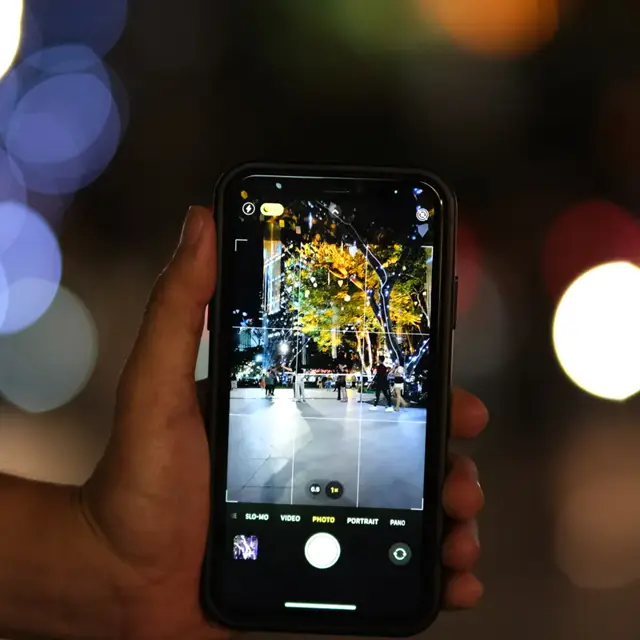

Download on Android
Android is the easiest of the three, because files go straight to your Downloads folder and your gallery picks them up on its own.
- In TikTok, tap Share on the video, then Copy link.
- Open Chrome (Samsung Internet works too) and go to toksavo.online.
- Tap Paste. The lookup starts straight away.
- Tap Download MP4 · Best quality.
- Find the video in Downloads, Gallery or Google Photos.
Tip: If your phone says it can't play the file, go back and pick Plays on any device. That one is a standard H.264 MP4 that every Android phone can open.
Download on Desktop / PC
On a computer you copy the link from the address bar instead of the Share menu. Everything else is the same.
- Open the video on tiktok.com in your browser.
- Copy the address from the address bar (Ctrl + C, or Cmd + C on a Mac).
- Open toksavo.online in a new tab, paste the link (Ctrl + V) and click Download.
- Click Download MP4. The file goes to your Downloads folder.
Tip: Some Windows PCs can't play the Best quality file because it uses the HEVC codec. VLC plays it fine, or pick Plays on any device instead.
Want the file with no watermark and nothing else to think about? Use Download TikTok Videos Without Watermark. Only after the sound? Try TikTok to MP3.
Frequently Asked Questions
Copy the video's link from TikTok's Share menu, paste it into TokSavo and tap Download. The MP4 you get has no TikTok logo or username on it. It's free and you don't need an account.
Use a browser-based downloader like TokSavo. There's nothing to install and it works on phones and computers. Paste the link, press Download, save the MP4. Only public videos work, because private ones can't be reached without logging in.
If you already saved a copy with the watermark, you can crop it or blur the corners in a video editor, but the logo moves around and you'll lose part of the picture. It's much easier to download the clean version again from the link.
Ready to try it? The tool is on our homepage.
TikTok Video Download